

The evolution of AI video background removal technology has revolutionized video editing workflows, empowering creators to produce professional-quality content without expensive studio setups. By leveraging machine learning and computer vision, modern tools can automatically separate subjects from backgrounds with remarkable precision. This advancement has transformed what was once a labor-intensive process into an accessible feature for creators at all skill levels.
In this comprehensive guide, we’ll explore the technology behind AI video background removal and review 10 cutting-edge tools that are reshaping video production in 2023. Whether you’re a professional filmmaker, content creator, or marketing specialist, these solutions offer powerful ways to enhance your video projects through seamless background manipulation.
Understanding AI Video Background Removal Technology
AI video background removal utilizes computer vision and deep learning algorithms to analyze each frame of video content, intelligently distinguishing between foreground subjects and backgrounds. This technology represents a significant leap forward from traditional methods, offering precision that was previously unattainable without extensive manual work.
The core of this technology relies on semantic segmentation, where advanced neural networks classify each pixel as either foreground or background. This process employs several sophisticated technologies working in concert:
- Machine learning models trained on vast datasets to recognize human figures and objects across diverse scenarios
- Object detection algorithms that track subjects throughout a video sequence
- Foreground extraction techniques that maintain edge detail and consistency between frames
Unlike traditional chroma key (green screen) methods, AI background removal doesn’t require specialized filming conditions or equipment. The technology has evolved from basic masking techniques to fully automated solutions capable of handling complex scenarios including fine details like hair and semi-transparent objects with remarkable accuracy.
According to research from Leyline Pro, modern AI systems can process video segments in seconds that would have required hours of manual rotoscoping just a few years ago.
Key Benefits of AI Background Removal for Video Production
The integration of AI-powered background removal into video editing workflows offers several compelling advantages for content creators and production teams:
Time Efficiency
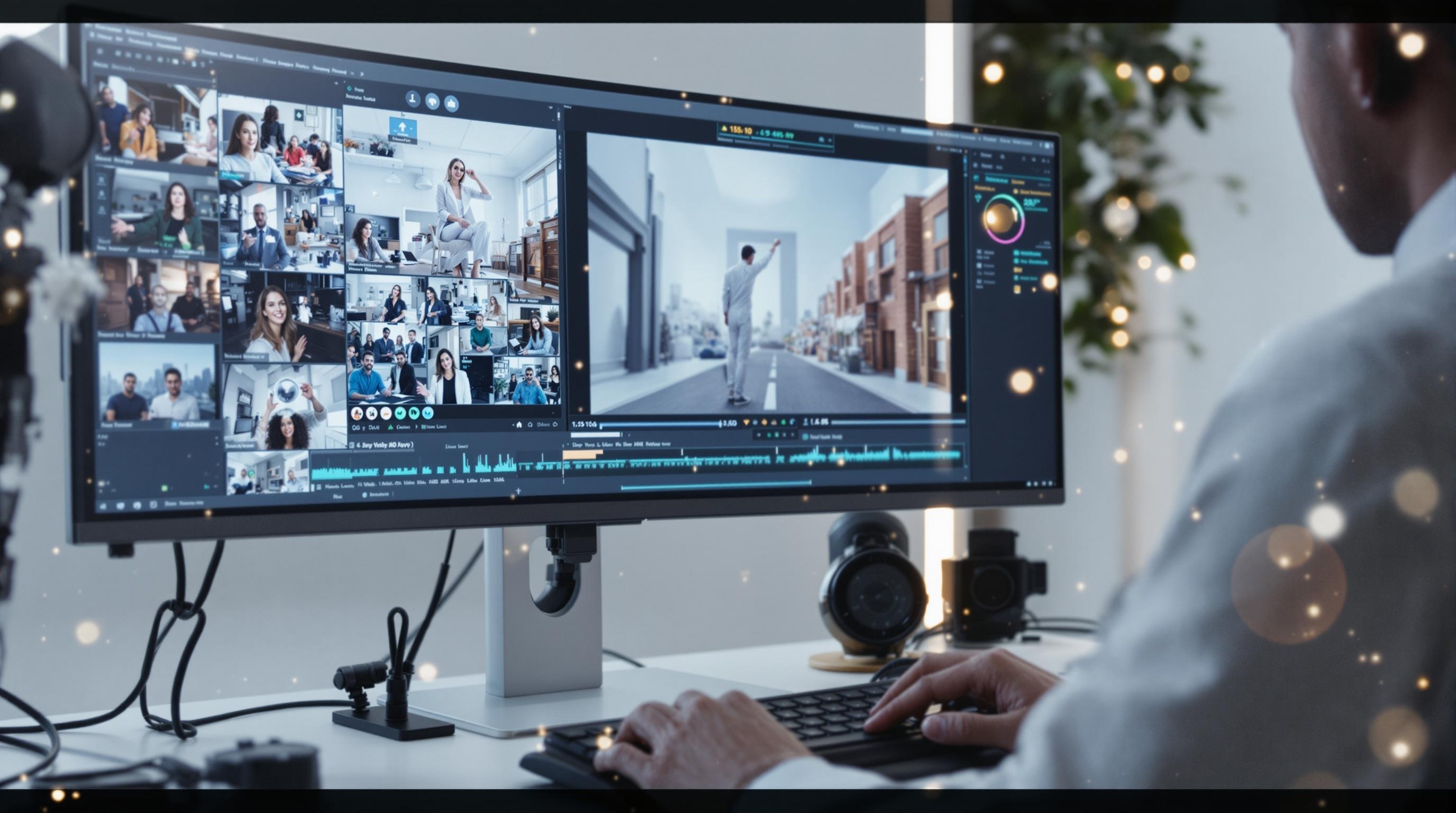
AI significantly accelerates the video editing process. What once required frame-by-frame manual masking can now be accomplished in minutes or even seconds. According to a comparison study by MiTech News, AI background removal is approximately 95% faster than manual techniques for standard video clips.
Cost-Effectiveness
By eliminating the need for physical green screens, specialized lighting, and extensive post-production work, AI background removal makes professional-quality video production accessible to creators with limited budgets. Small teams and individual content creators can now achieve results that previously required dedicated studios and specialized staff.
Creative Flexibility
Perhaps the most significant advantage is the creative freedom that AI background removal provides. Creators can easily implement background replacement, special effects, and visual enhancements without reshooting footage. This flexibility extends to background substitution techniques that allow for dynamic content updates even after initial production.
Wide-Ranging Applications
The technology has found applications across numerous industries:
- Marketing videos with consistent brand environments
- Social media content with eye-catching visual effects
- E-learning modules with distraction-free presentations
- Professional video production with complex compositing needs
- Virtual meetings with professional or customized backgrounds
Tool #1: RunwayML
RunwayML stands at the forefront of AI-powered video editing with its sophisticated background removal capabilities. This platform utilizes deep learning models to deliver precise masking and high-quality foreground extraction.
Key features include Green Screen and Inpainting tools that allow editors to remove backgrounds and intelligently fill in missing areas. What sets RunwayML apart is its real-time processing capabilities, enabling quick video modifications with minimal latency. The platform’s high-precision masking technology excels at preserving complex edge details like hair and transparent objects.
The software supports seamless integration with popular video editing applications, making it a valuable addition to existing production pipelines. For professionals working with multiple tools, this interoperability significantly enhances workflow efficiency.
Tool #2: Adobe After Effects with Content-Aware Fill
Adobe After Effects represents the industry standard for professional video post-production, and its Content-Aware Fill feature leverages AI technology for advanced background removal and replacement. This tool analyzes video content and intelligently fills removed areas with contextually appropriate content.
The true power of After Effects lies in its integration with the broader Adobe Creative Cloud ecosystem. Editors can seamlessly move projects between Premiere Pro, Photoshop, and other Adobe applications, maintaining consistent quality throughout the post-production process.
The software combines AI-driven automation with manual rotoscoping and masking capabilities, giving editors precise control over complex scenes. This hybrid approach makes it particularly valuable for professional video post-production projects requiring frame-perfect precision and artistic control.
Tool #3: Unscreen
Unscreen offers a streamlined approach to background removal with its browser-based solution that requires no software installation. This accessibility makes it an excellent option for creators who need quick results without technical complexity.
One of Unscreen’s standout features is its batch processing capability, allowing users to remove backgrounds from multiple video files simultaneously. This functionality is particularly valuable for projects requiring consistent background treatment across numerous assets.
The platform also provides integration options with various digital media platforms, facilitating smoother workflows for content distributed across multiple channels. While not as feature-rich as some dedicated video editing software, Unscreen’s simplicity and effectiveness make it a go-to solution for quick background removal needs.
Tool #4: NVIDIA Broadcast
NVIDIA Broadcast specializes in real-time AI background removal and replacement specifically designed for livestreaming applications. Unlike post-production tools, this application works during live video capture, making it invaluable for streamers, virtual presenters, and remote communicators.
The software leverages NVIDIA’s GPU hardware acceleration, requiring RTX series graphics cards to deliver optimal performance. This hardware requirement enables exceptionally smooth real-time processing that maintains consistent quality throughout extended streaming sessions.
NVIDIA Broadcast integrates seamlessly with popular streaming platforms like OBS, Streamlabs, and Twitch, providing a turnkey solution for creators looking to enhance their live video quality. According to TechyRams, real-time processing capabilities represent the future of video background manipulation, particularly for interactive content.
Tool #5: Wondershare Filmora
Wondershare Filmora offers AI-powered background removal features in a package designed for beginners and intermediate users. The software combines powerful video editing capabilities with an intuitive interface that makes complex tasks accessible to non-professionals.
Filmora includes guided background replacement options that walk users through the process of removing and replacing backgrounds. This approach reduces the learning curve while still delivering professional-quality results. The software also includes a comprehensive library of dynamic backgrounds and special effects that can be applied with minimal effort.
For content creators working with limited budgets, Filmora represents an excellent balance of affordability and capability. The one-time purchase option makes it particularly attractive for individuals and small teams.
Advanced Features in Filmora for Background Manipulation
Beyond basic background removal, Filmora offers several advanced features that enhance background manipulation:
- Auto-edge detection and refinement tools that improve the separation between foreground and background elements
- Motion tracking capabilities that allow dynamic backgrounds to follow subject movement naturally
- AI-assisted chroma key enhancement that improves traditional green screen effects with intelligent processing
Tool #6: DaVinci Resolve with Fusion
DaVinci Resolve with Fusion represents the high end of professional video editing with sophisticated AI-assisted background removal capabilities. This comprehensive platform combines color grading, editing, visual effects, and audio post-production in a single application.
The software’s node-based compositing system provides unparalleled control over the background removal process, allowing for complex, multi-step operations that maintain quality throughout. Advanced masking techniques enable precise selection and manipulation of video elements, essential for professional productions.
While DaVinci Resolve offers a free version with basic functionality, its Studio version unlocks the full power of its AI-enhanced tools. The platform does have a steeper learning curve than consumer options, but the investment in mastering it pays dividends in production quality and creative possibilities.
Tool #7: Kapwing
Kapwing stands out as a cloud-based AI video editing platform with robust background removal features. This browser-based solution emphasizes accessibility and collaboration, making it ideal for team-based video projects where multiple contributors need access.
The platform’s collaborative features enable real-time editing and feedback, streamlining the production process for teams working remotely. Kapwing’s cross-platform compatibility ensures consistent performance across mobile and desktop environments, providing flexibility for creators on the go.
Kapwing also includes social media optimization tools that ensure processed videos meet the specific requirements of different platforms. This integration simplifies the distribution process, particularly for content creators focusing on social media delivery.
Tool #8: Topaz Video Enhance AI
Topaz Video Enhance AI approaches background removal as part of a comprehensive video enhancement suite. While not exclusively focused on background removal, its AI-powered enhancement capabilities complement background processing with impressive upscaling and restoration features.
The software excels at improving low-quality footage while managing background extraction, making it particularly valuable for working with archival material or footage captured under suboptimal conditions. This dual functionality sets it apart from tools that focus solely on background removal.
Topaz Video Enhance AI does require substantial hardware resources for optimal performance, with recommendations for high-end GPUs and ample system memory. This requirement reflects the sophisticated processing taking place but may limit accessibility for users with older hardware.
Tool #9: Cyberlink PowerDirector
Cyberlink PowerDirector combines AI-powered background removal with comprehensive video editing capabilities in a package designed for consumer and prosumer users. The software emphasizes user-friendly operation without sacrificing powerful video segmentation and manipulation features.
PowerDirector includes guided workflows and background removal presets that simplify the editing process for less experienced users. These templates provide excellent starting points that can be customized to meet specific project requirements.
The software is optimized for mainstream consumer hardware, delivering solid performance on typical home and office computers. This accessibility, combined with regular feature updates, has made PowerDirector a popular choice among content creators seeking professional results without specialized equipment.
Tool #10: HitFilm Express
HitFilm Express offers a free entry point into AI-assisted background removal, making it an excellent option for beginners and creators with limited budgets. Despite its free pricing tier, the software includes surprisingly capable background removal and compositing tools.
The platform is supported by an active community that provides extensive tutorials and resources for mastering background removal techniques. This educational ecosystem significantly reduces the learning curve for new users.
HitFilm Express includes compositing tools for creative background replacement, allowing users to implement complex visual effects once the background is removed. For users requiring more advanced features, the software offers a clear upgrade path to its professional version for larger projects.
Best Practices for High-Quality Video Background Removal
While AI has dramatically improved background removal capabilities, following certain best practices will significantly enhance your results:
Lighting Considerations: Even, diffused lighting dramatically improves foreground separation. Avoid harsh shadows and ensure your subject is well-lit from multiple angles to help the AI clearly distinguish edges.
Camera Settings: Use settings that maximize sharpness and minimize motion blur. Higher shutter speeds and adequate depth of field help create cleaner edges that AI can detect more accurately.
Post-Processing Refinement: Even the best AI may require some manual adjustment. Learn to use edge feathering, mask refinement, and other techniques to perfect AI-generated masks.
Project-Specific Workflows: Adapt your approach based on project requirements. Real-time streaming applications have different priorities than post-production projects with longer timelines and higher quality expectations.
Future Trends in AI Video Background Removal
The field of AI video background removal continues to evolve rapidly. Several emerging trends promise to further transform video production:
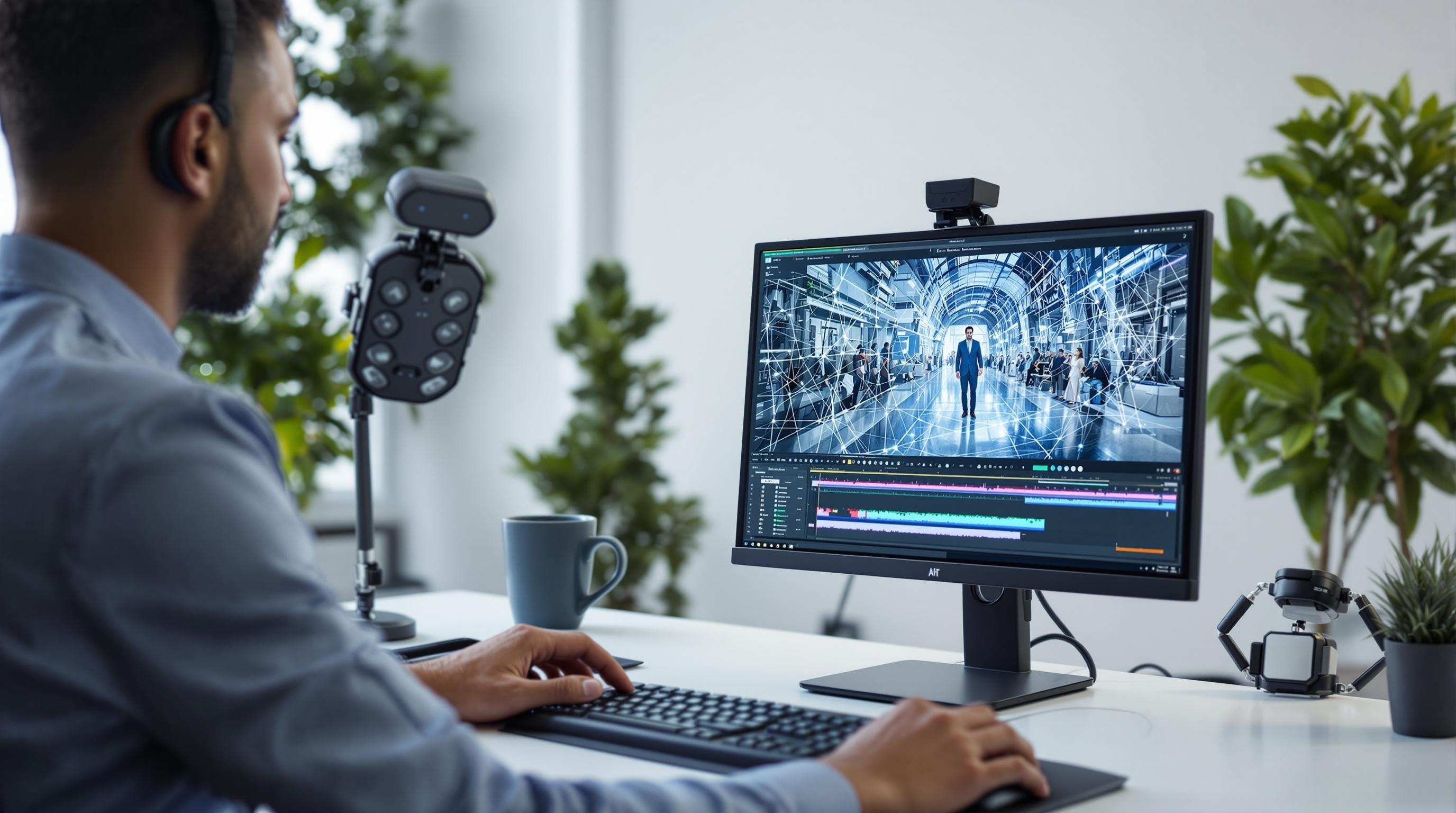
Advanced semantic segmentation models using transformer architectures are improving precision, particularly for challenging elements like hair and transparent objects. Research from BytePlus suggests these new approaches could reduce error rates by up to 40% compared to current methods.
Integration with virtual production workflows is creating seamless connections between AI background removal and real-time compositing in virtual environments. This convergence enables more immersive and flexible production techniques, particularly for remote collaboration.
Mobile-first solutions are making sophisticated background removal accessible on smartphones and tablets. This democratization of technology allows creators to produce professional-quality content without dedicated editing workstations.
Real-time background replacement with minimal latency continues to improve, enhancing applications in livestreaming, virtual meetings, and interactive video. These advancements are creating new possibilities for dynamic content creation and audience engagement.
As these technologies mature, we can expect AI video background removal to become increasingly seamless, accurate, and integrated into standard production workflows across industries. For creators interested in exploring these capabilities, AI tools on Jasify provide excellent starting points for incorporating advanced video editing into your projects.
Trending AI Listings on Jasify
- Short-Form Viral Clips (AI-Powered & Fully Edited) – Perfect for transforming your longer video content into attention-grabbing clips with professional editing and optimal formatting for social platforms.
- Custom 24/7 AI Worker – Automate Your Business with a Personalized GPT System – Automate repetitive video editing tasks and content workflows with a custom AI system tailored to your production needs.
- High-Impact SEO Blog – 1000+ Words (AI-Powered & Rank-Ready) – Ideal for creating complementary content to showcase your video editing capabilities and attract clients searching for AI video solutions.
